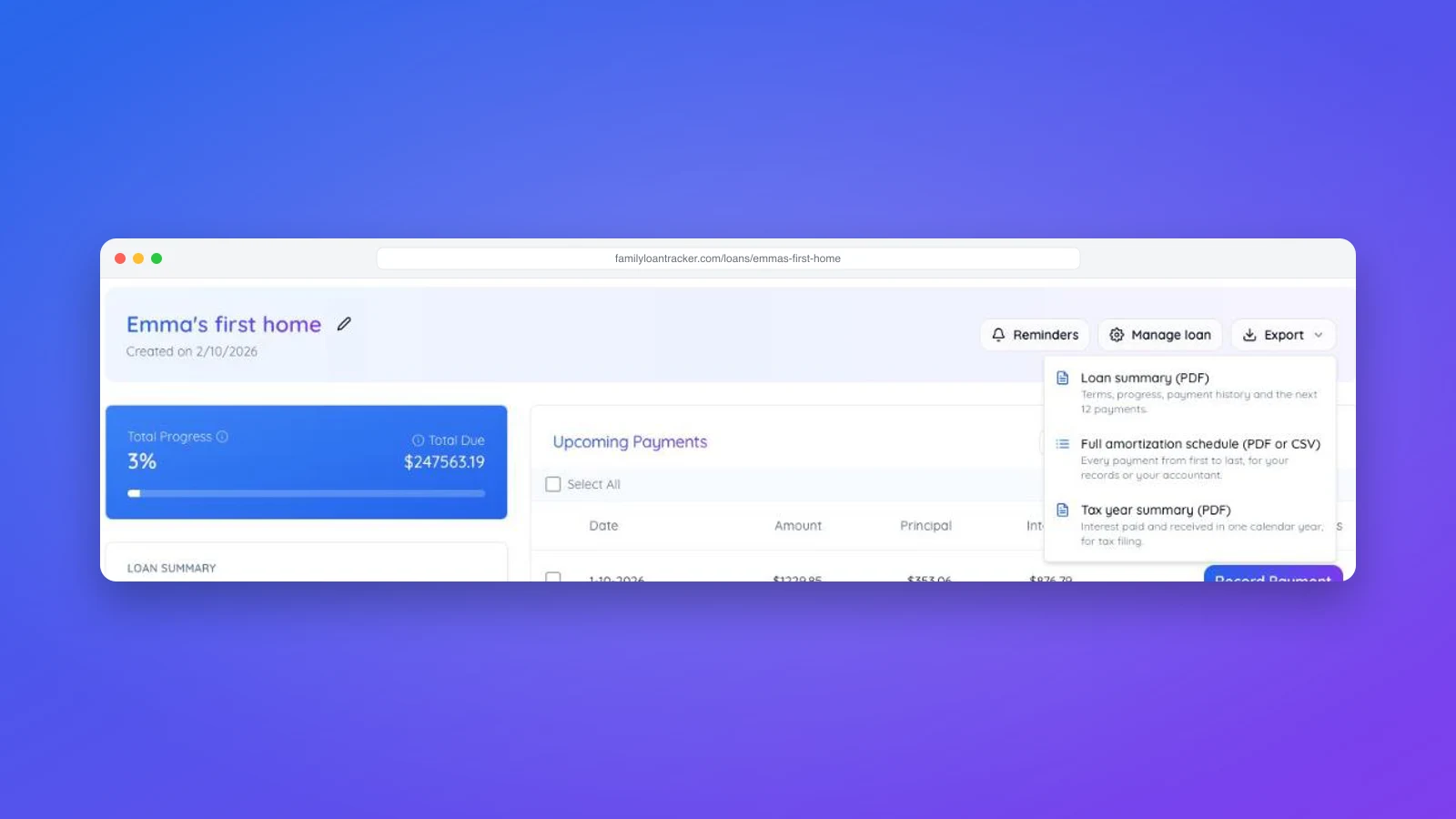
A family line of credit works differently from a standard loan. Instead of handing over the full amount on day one, the lender commits a maximum — a credit limit — and the borrower withdraws it in stages, called draws. Each draw starts accruing interest from its own date, so you only ever pay for the money that has actually been taken.
This guide explains how to set one up in Family Loan Tracker and how the interest is worked out.
Draws vs. repayments: the one distinction to keep straight
These two are easy to confuse, so keep it simple:
- A draw (or withdrawal) is money moving from the lender to the borrower. It increases the outstanding balance, because more of the credit line has been used.
- A payment is money moving the other way, from the borrower back to the lender. It decreases the balance.
A draw takes money out of the line; a payment pays it back. Everything else follows from that.
When a line of credit makes sense
A single lump-sum loan is fine when the borrower needs all the money at once. A line of credit fits when the money is taken in stages over time, for example:
- A home renovation paid out as the work progresses.
- Tuition or living costs released each semester.
- A runway for a small business drawn down as it is needed.
Because interest only accrues on what has been drawn, the borrower is not charged for money that is still sitting unused in the commitment.
Setting it up
- Log in and click Create loan.
- Set the loan amount to your credit limit — the maximum you are committing to the line (for example, $350,000).
- Turn on "Line of credit (multiple draws)."
- Add each draw: an amount and a date. Add as many as you know now; you can add more later from the loan page.
- Set your first payment date as usual.
The toggle is available to logged-in users on the full loan form (and in the Loan Agreement Generator), not on the quick start form.
How the interest is calculated
Each draw dated before the first payment date compounds daily from its own date. Interest is charged only on the amount actually drawn, never on the full credit limit. If a draw is dated in the future, it simply adds nothing to the balance until that date arrives. Draws made after repayment has started are handled by the schedule instead (see below).
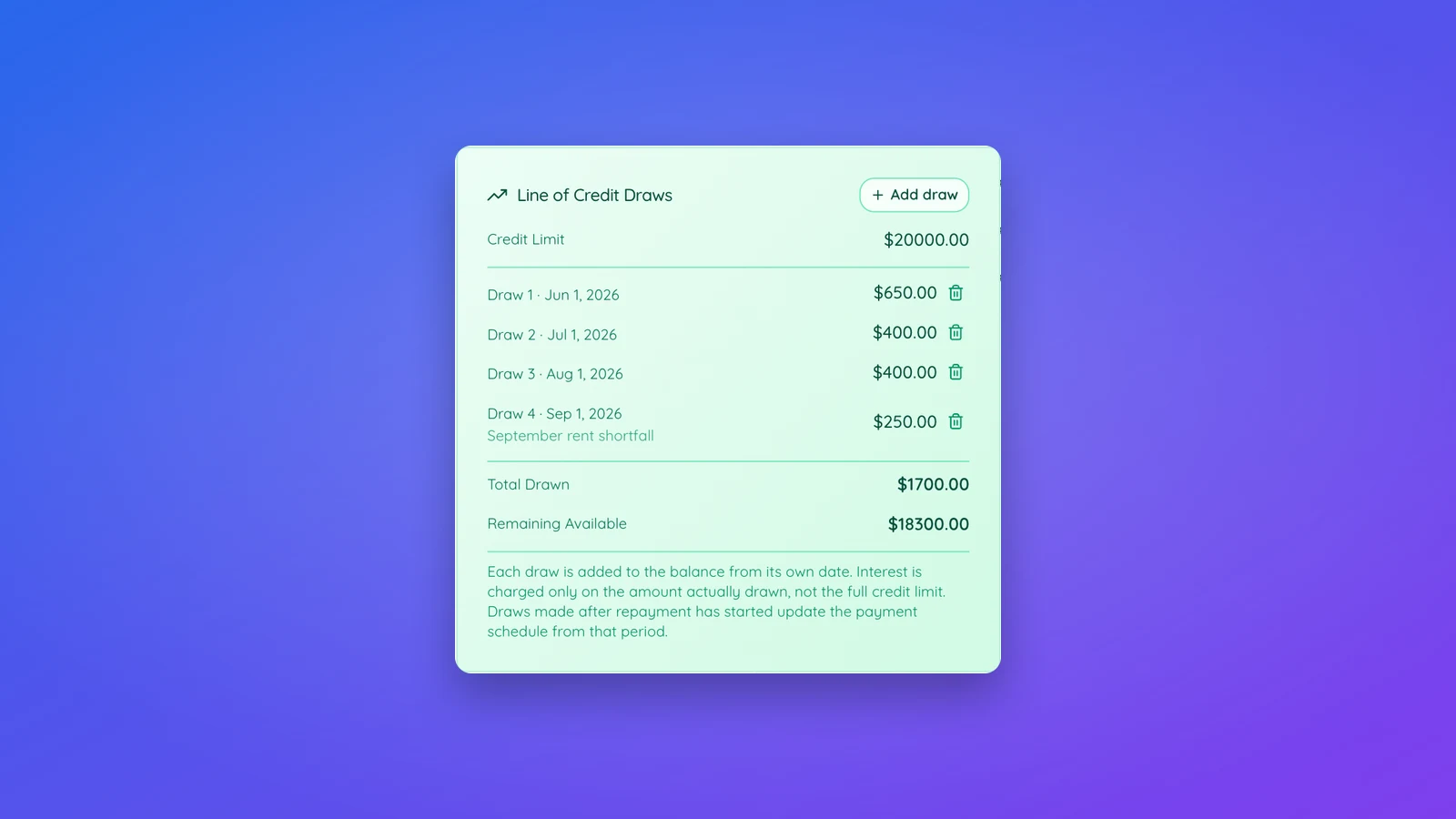
On the loan page you will see a Line of Credit Draws card showing every draw, your total drawn, and your remaining available credit (credit limit minus what has been drawn).
A worked example
Say the credit limit is $350,000 at 4% and the borrower draws:
- $200,000 in October 2026
- $100,000 in March 2027
- $50,000 in January 2028
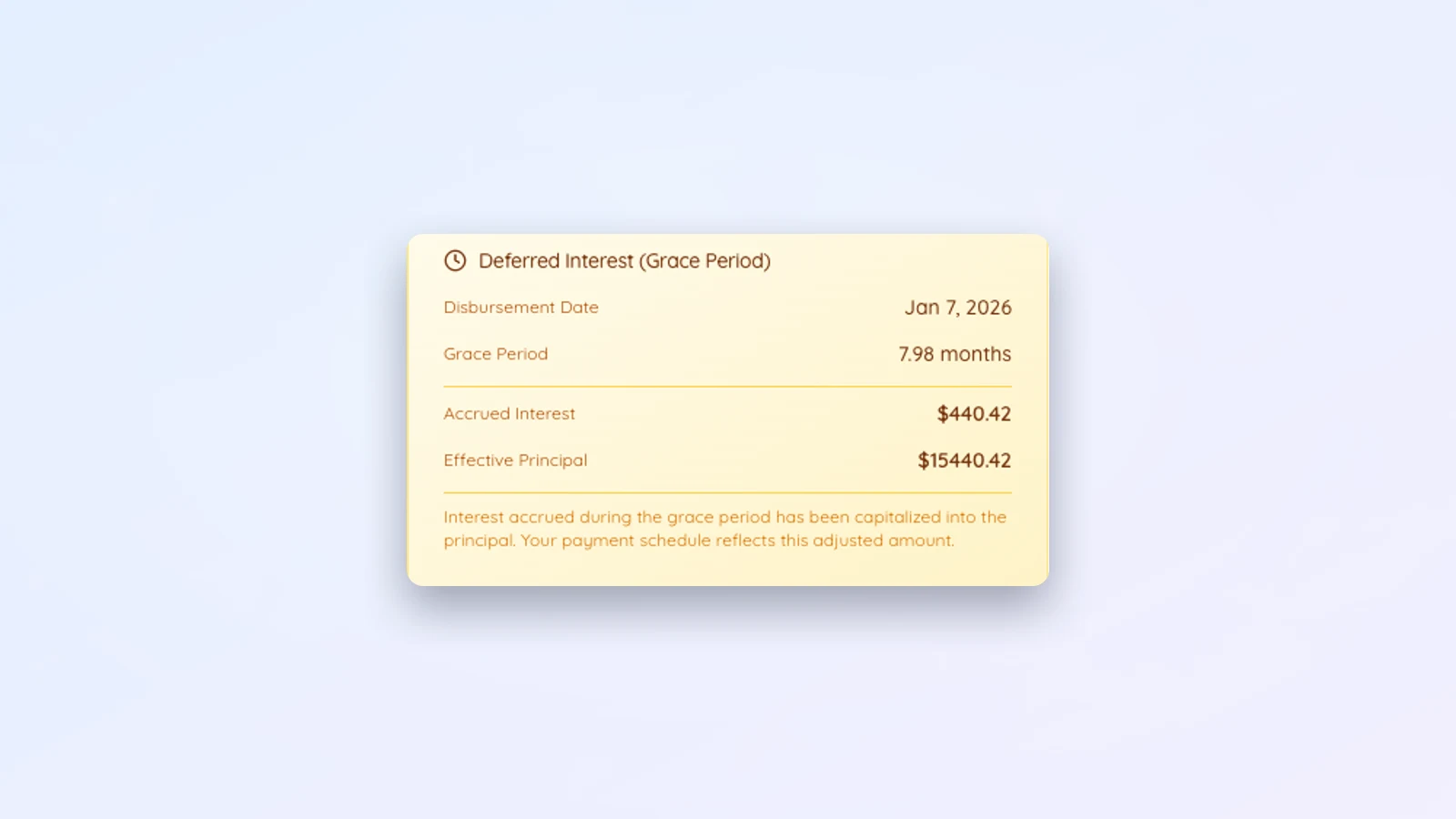
Each tranche begins accruing 4% daily compound interest from its own date. By the first payment date, the accrued interest across all three draws is capitalised into the balance, and the repayment schedule is built from that combined amount. The full $350,000 was committed, but interest only ever ran on the money that had actually been taken.
Adding draws after the loan exists
Open the loan and use Add draw on the Line of Credit Draws card: an amount, a date and an optional note (for example "September rent shortfall"). The balance and the schedule update immediately, and both participants receive an email with the draw and the new total drawn. A draw entered by mistake can be removed from the same card. Only the loan owner can add or remove draws.
If a draw would take the total above the credit limit, the card says so and raises the limit to the new total when you save, so a debt that keeps growing never gets stuck on a limit you set months ago.
Draws after repayment has started
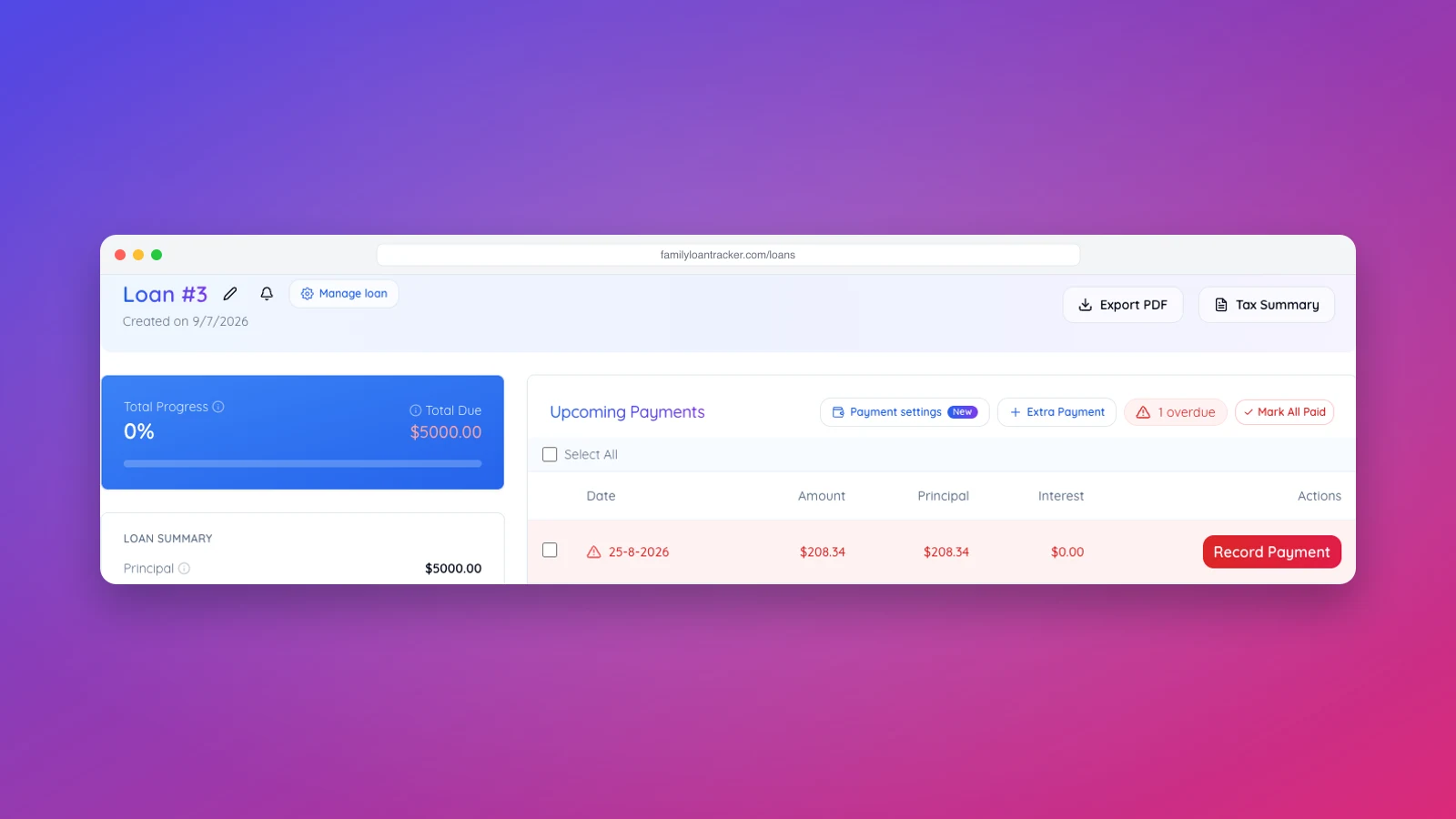
A draw does not have to come before the first payment date. A draw dated after repayment has begun is added to the balance in the period it falls in, before that period's interest, and the remaining balance is spread over the rest of the agreed term. The payment goes up; the end date stays where it was. The schedule row shows "Draw of $400.00 added this period" so it is clear why the balance moved.
A second example: a debt that grows month by month
Not every line of credit is planned in advance. A common case: a family member rents a property from a relative and cannot always pay the full rent, and the unpaid part is added to a running debt. Set the loan up as a line of credit with a credit limit comfortably above what you expect the debt to reach, and set the first payment date to when repayment should start. Then, each month, add the shortfall as a draw dated that month. Any money paid back in the meantime is recorded as a payment and comes straight off the balance. The Total Due on the loan page is always what is owed right now, and both sides see the same figures.