If a parent, sibling, or friend lent you money, paying them back usually means an awkward monthly routine: remembering the amount, opening a payment app, typing it in, finding their handle, and hoping you both agree on how much is left. It's easy to lose track — and forgotten payments are one of the most common ways family loans go wrong.
There's a simpler way. With Family Loan Tracker's Pay now feature, every scheduled payment gets a one-tap button that opens Venmo, PayPal, Cash App, Zelle, or your bank app with the exact amount already filled in. You pay the way you always would — but without the fees a payment processor charges, and with every payment recorded automatically so both sides always see the same, up-to-date balance.
This guide covers the easiest ways to pay someone back on a schedule, how to set it up, and how it keeps a family loan on track.
What's the best way to pay back a family loan?
For informal loans between family, the best method is usually the one you both already use — Venmo, PayPal, Cash App, or Zelle in the US, or a bank payment request like Tikkie or bunq in Europe. These are instant, free between individuals, and leave a record in your transaction history.
The catch is keeping those scattered payments organized. A payment app tells you that you sent your mom €200 in March, but not whether that covered principal or interest, how many payments remain, or when the loan is finally clear. That's the gap Pay now closes: it launches your payment app and logs the payment against the loan schedule in the same flow, so you get the convenience of Venmo with the accuracy of a proper loan dashboard.
How Pay now works
Family Loan Tracker never touches the money. Pay now simply builds a link that opens a payment app you already have, with the amount and a note prefilled. The transfer happens entirely in Venmo, PayPal, or your bank — exactly as if you'd opened it yourself. Because there's no payment processor in the middle, there are no transaction fees.
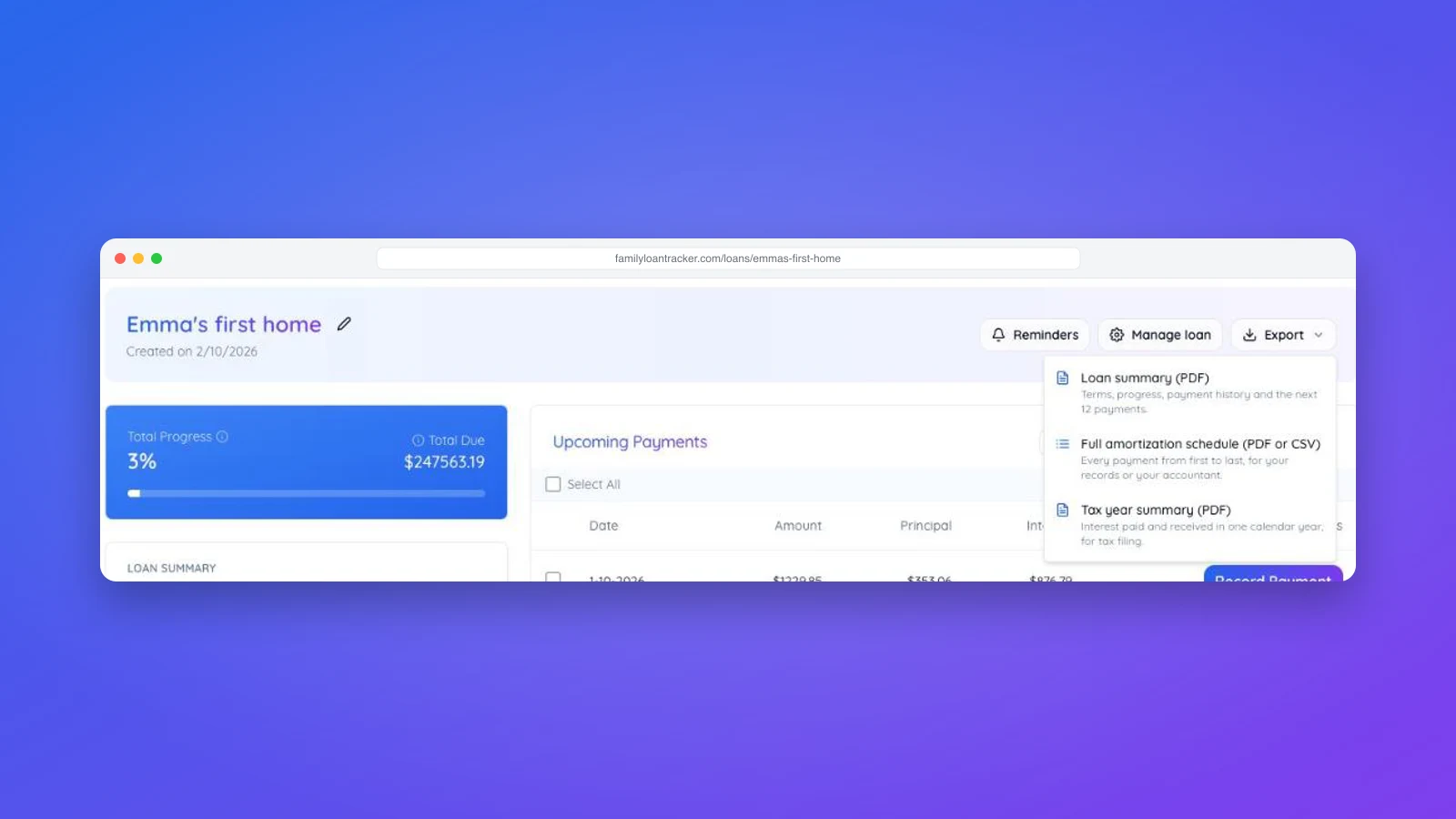
Recording the payment is then a single confirming tap, which keeps the loan's numbers honest for everyone. See how to record a payment for what happens behind the scenes, including the confirmation emails both parties receive.
For the lender: set up how you want to be paid
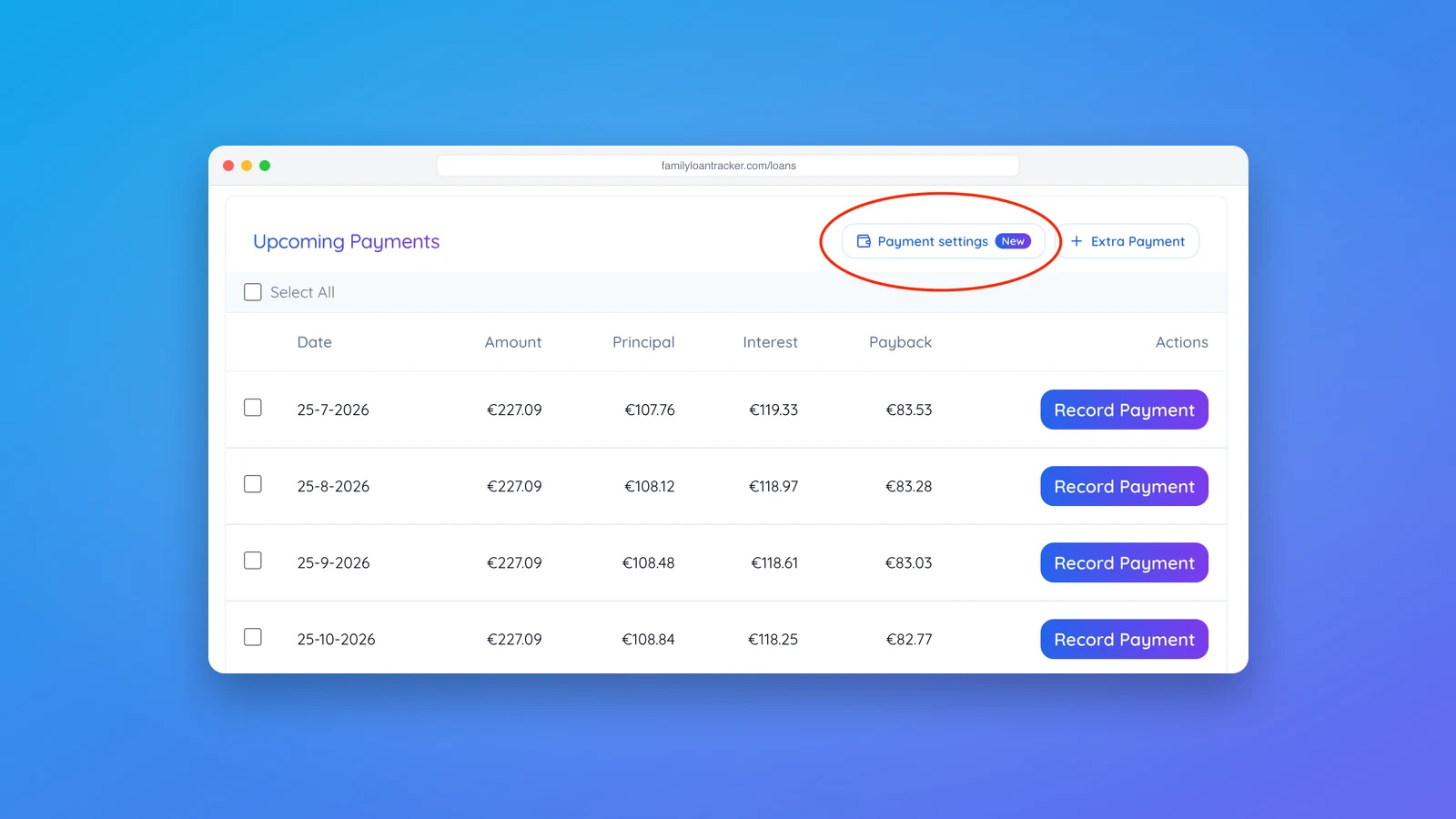
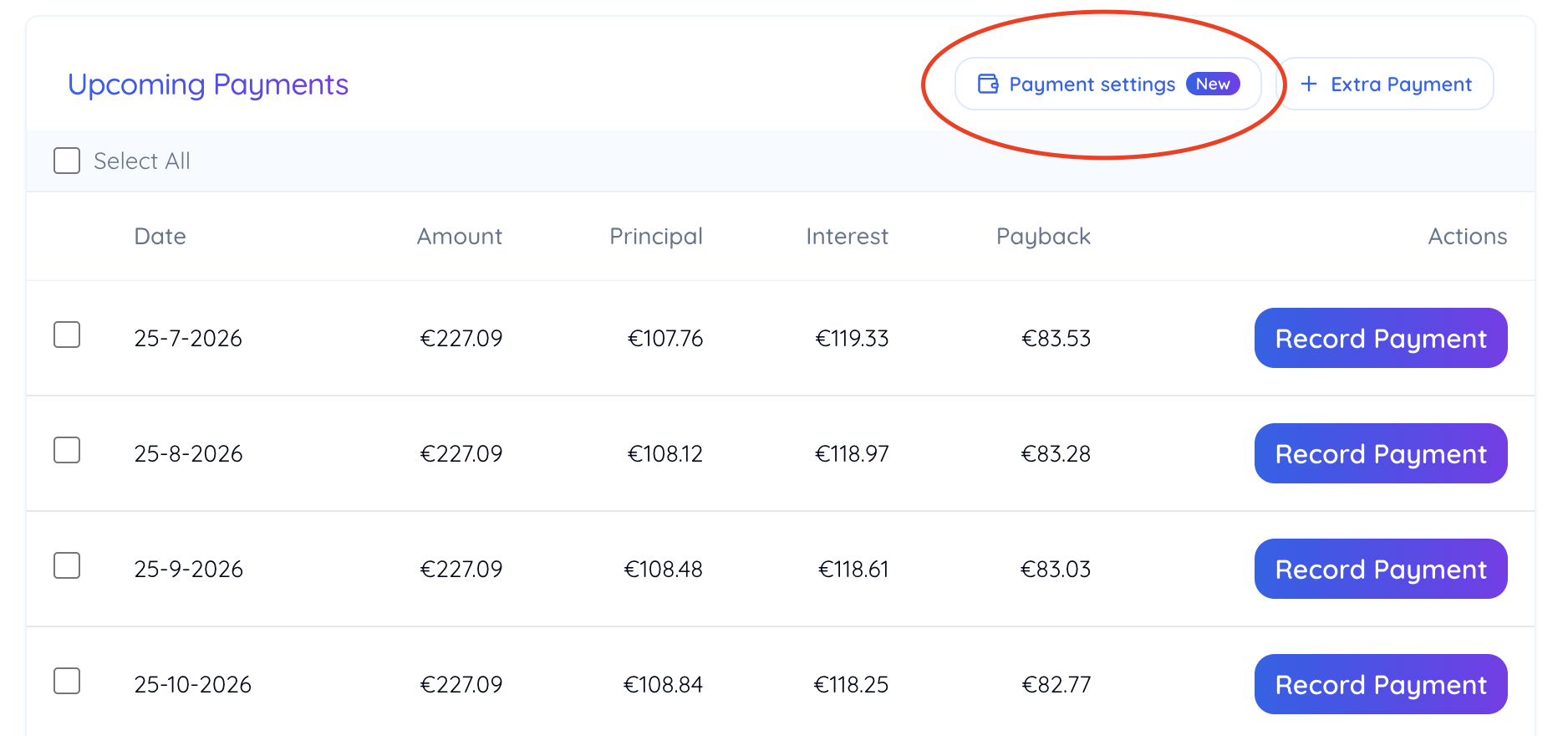
Pay now is configured once by the person who lent the money. On the loan's page, open the Payment settings button in the Upcoming Payments section — it has a "New" badge.
On the Receive payments tab, turn on Enable Pay now, then add any of the methods you accept:
- Venmo username — e.g.
@username - PayPal.Me link or handle
- Cash App cashtag — e.g.
$cashtag - Zelle — the email or phone linked to your Zelle
- Payment request link — a Tikkie, bunq, or similar URL
- Other instructions — free text for anything else, such as an IBAN for a bank transfer
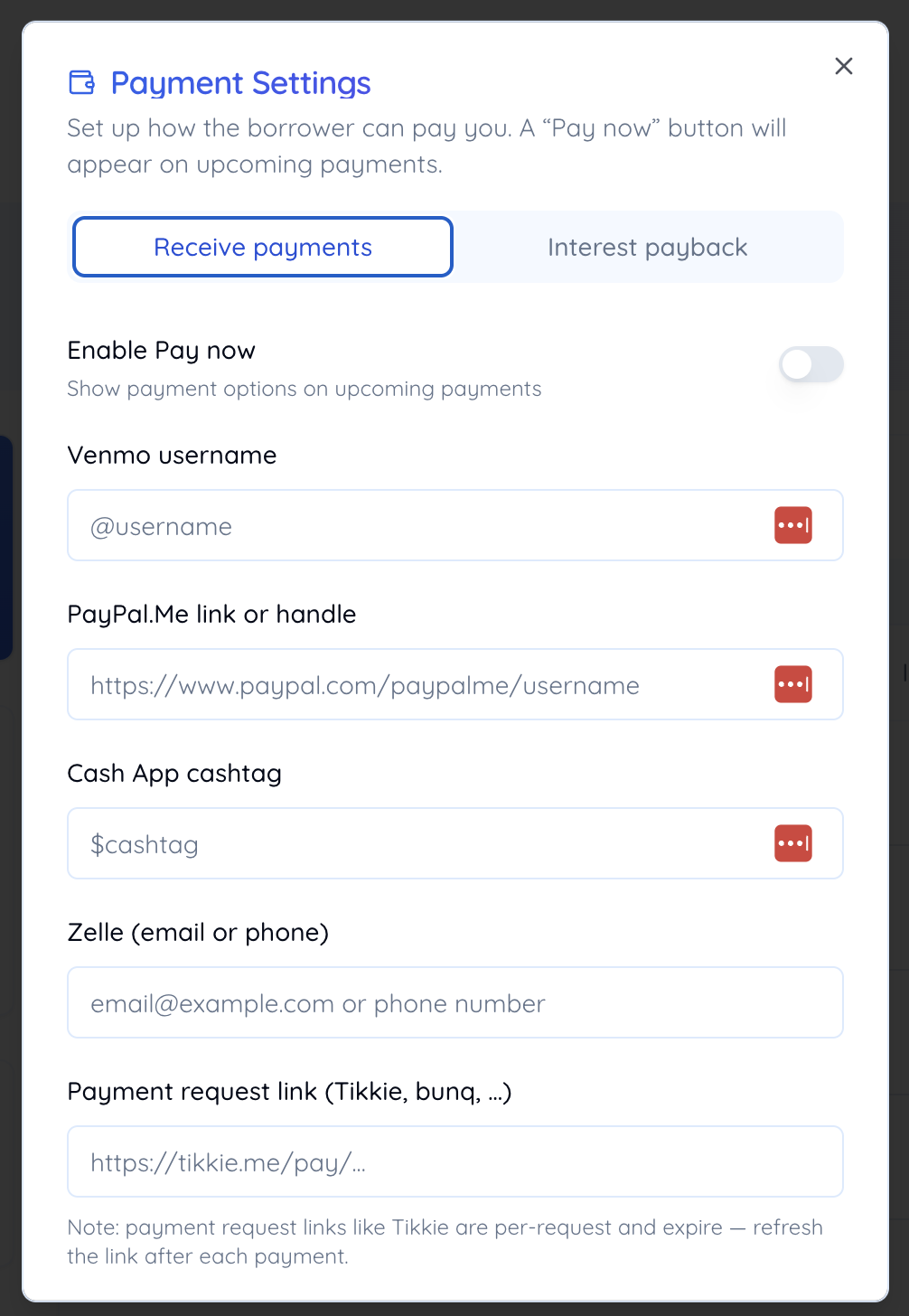
You can offer several methods and let the borrower pick their favorite. You can even paste a full profile URL — the tracker pulls out the handle for you. Save, and a Pay now button appears on every upcoming payment.
Tip: payment request links like Tikkie are tied to a single request and expire, so refresh the link after each payment. Venmo, PayPal, Cash App, and Zelle handles stay valid indefinitely.
Setting it up so the first payment goes through cleanly
Three things decide whether this works on the first try instead of the third.
Invite the borrower before you switch it on. The Pay now button lives on the loan page, so the person paying has to be on the loan. Until you have invited them, you are the only one who can see the button, and the automatic reminder emails are not sent at all, because those only go out on loans that have a borrower attached. The invite takes a minute and their login is free. See how to invite the lender or borrower.
Pick the method by how the money should land. The transfer goes straight into whatever account sits behind the handle you enter, so use the one you actually check.
- Zelle moves bank to bank, usually within minutes, with no fee. The trade-off is that Zelle cannot accept a prefilled amount, so the dialog shows your email or phone and the amount for the borrower to copy across.
- Venmo, PayPal.Me, and Cash App do open with the amount and a note naming the loan already filled in. They stay free when the borrower pays from a linked bank account or an app balance. Funding the payment with a credit card, or sending it on PayPal as a goods and services payment rather than to a friend, is what triggers that app''s own fee. Agree once on which of the two you are using and it never comes up again.
Fill in two methods, not one. They all show side by side in the same dialog, so a second option costs you nothing and saves the month where an app is down, a link has expired, or the borrower has switched banks.
Then test it yourself. Save your settings, tap Pay now on the first upcoming payment, and check that each method opens on the right profile with the right amount. Close the dialog without recording anything: the payment record is a separate, deliberate tap, so looking costs nothing.
For the borrower: pay in one tap
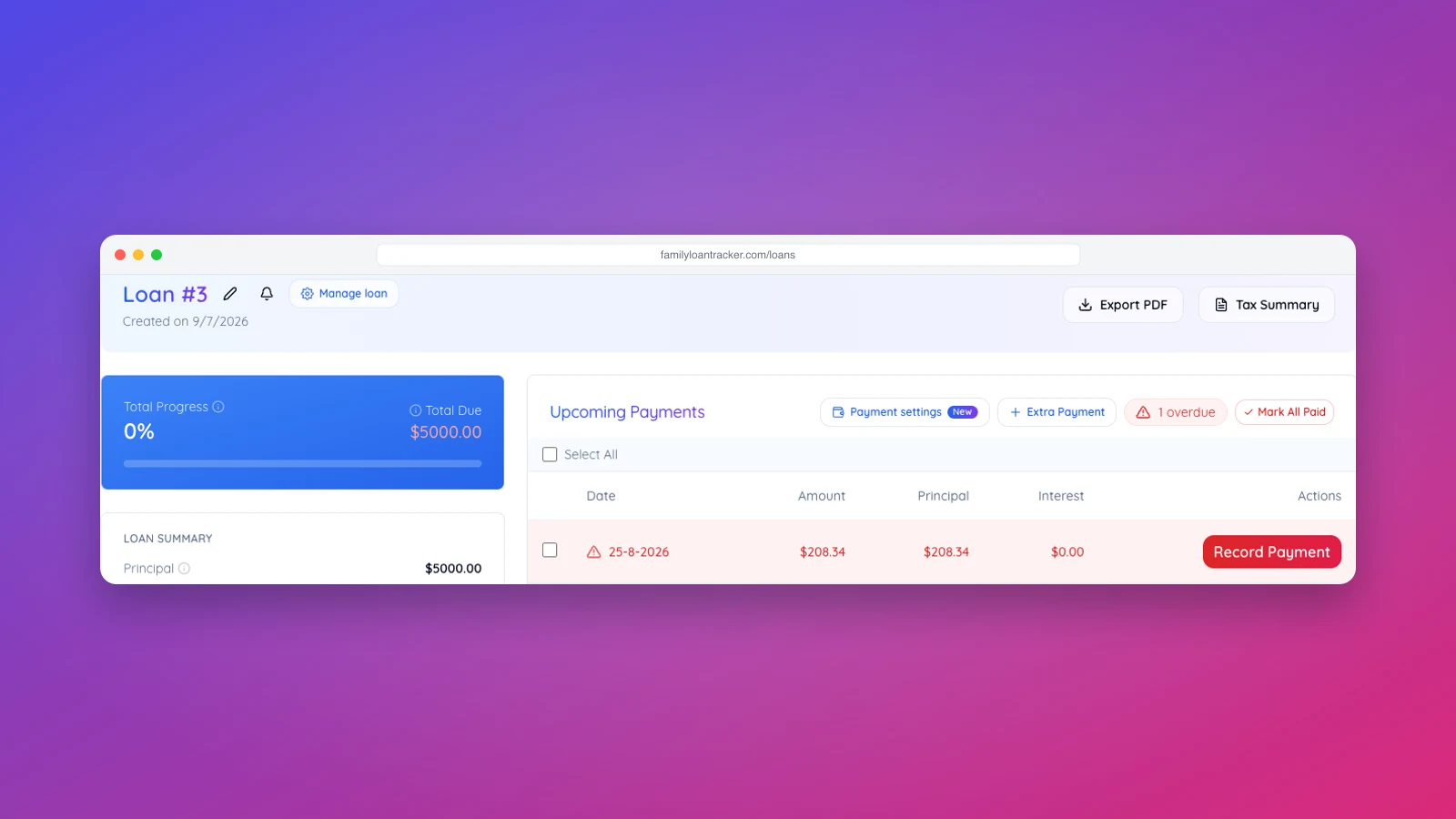
Once the lender has set it up, you'll see a Pay now button next to each upcoming payment. Tapping it opens a dialog showing the exact amount due and the methods on offer:
- Venmo, PayPal, and Cash App open with the amount — and a note naming the loan — already prefilled, so you just confirm and send.
- Zelle and bank details are copy-to-clipboard, ready to paste into your own banking app.
After you've paid, tap I've paid — record it and the payment is logged against the schedule. That final tap is what keeps both sides in sync — no more "wait, did you send it?" texts.
Pay straight from your reminder email
You don't even need to open the app first. When a loan has Pay now enabled, your automatic payment reminder email arrives with a Pay [amount] Now button. Clicking it opens the loan with the Pay now dialog already open, so you can settle the payment the moment the reminder lands — the single easiest way to never miss one.
Paying interest back the other way
Some families run a family loan at a fair interest rate for tax reasons, then have the lender gift part of that interest back to the borrower. Pay now handles that reverse direction too: on the Interest payback tab, the lender saves the borrower's payment details, and each pending payback gets its own one-tap button. It only activates once an interest payback configuration exists on the loan.
Why this keeps a family loan healthy
Paying someone back on time is about more than the money — it's about trust. A loan with a consistently current payment history is also the strongest evidence that it's a genuine loan rather than a gift, which matters if a tax authority ever asks. Pay now makes the on-time habit almost effortless: pay in a tap, record in a tap, and both of you always see the same balance.
If you're weighing tools, note that some family-loan services route payments through ACH and charge a fee on every transfer. Pay now deliberately doesn't — our Family Loan Tracker vs. ZimpleMoney comparison breaks down that difference. And if you haven't set the loan up yet, start with how to invite the lender or borrower so reminders and confirmations reach both of you.