Some families charge their loan a real rate, at or above what the IRS expects, and then the lender hands part of that interest back to the borrower. Interest payback is the feature that tracks that reverse flow. It works out what you owe back on each payment, shows it before any money moves, and lets you mark it settled once you have sent it.
The one thing that surprises almost everyone
Set the payback percentage to 50 and you might expect the borrower gets back half the interest they paid. Usually they do not.
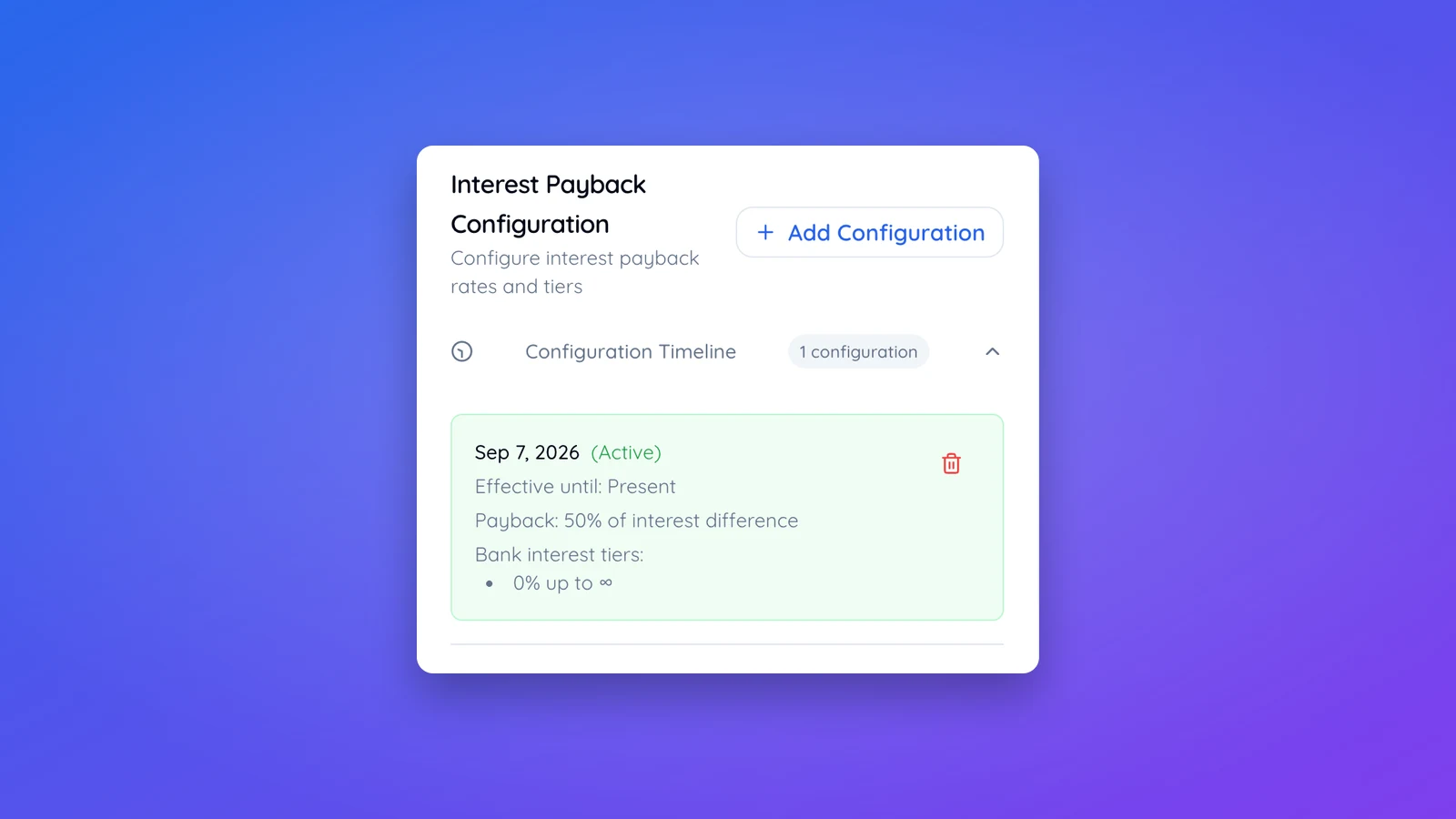
The percentage is not applied to the interest itself. It is applied to the difference between the interest actually charged and what that same balance would have earned sitting in a savings account, using the bank interest tiers you configure alongside the percentage. Leave the default tiers in place, 1.75%, 1.55%, 0.55%, depending on the balance, and 50% payback can work out closer to 30% of the interest, not 50.
A worked example
Take a $30,000 loan at 4.10% over 24 months, paid monthly. The scheduled payment is $1,304.09, and total interest over the life of the loan is $1,298.00.
With 50% payback and the default bank tiers still in place, about $384 comes back over the life of the loan, roughly 30% of the interest, not 50%. With 50% payback and the tiers reduced to a single tier of 0%, no maximum, exactly $649 comes back, exactly half the interest. With 100% payback and that same single 0% tier, the full $1,298 comes back.
Getting a clean percentage of the interest
If you want the payback percentage to mean what it sounds like, reduce the bank tiers to one and zero it out.
- Open the Interest Payback card on the loan page.
- Click Add Configuration, or edit the existing one.
- Under Bank Interest Rate Tiers, delete rows until one is left.
- Clear that row's Max Amount field and set Interest Rate to 0.
- Set Payback Percentage to whatever share of the interest you actually want to gift back.
- Save.
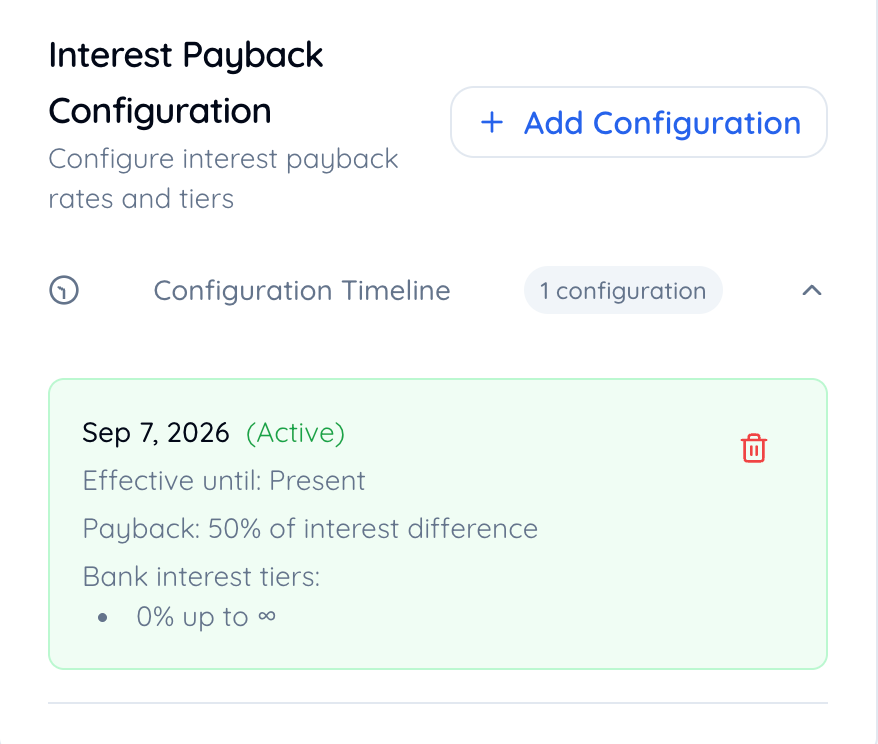
The bank tiers do have a real use. If you would rather only gift back what the loan earned you above what your own savings account would have paid, put your actual savings rate in there instead of zero. Most people setting this up for the first time do not want that, and zero is the setting that gives a plain percentage of the interest.
Configurations are dated, not edited in place
Each configuration has an effective date. Add a new one and it applies from that date forward; it does not rewrite what already happened. If two configurations share the same effective date, the one you saved later wins, so delete an old one before adding its replacement rather than leaving both in place. If you want to change the rate on the loan itself rather than the payback, that is a separate setting covered in how to change your loan's terms.
Where it shows up
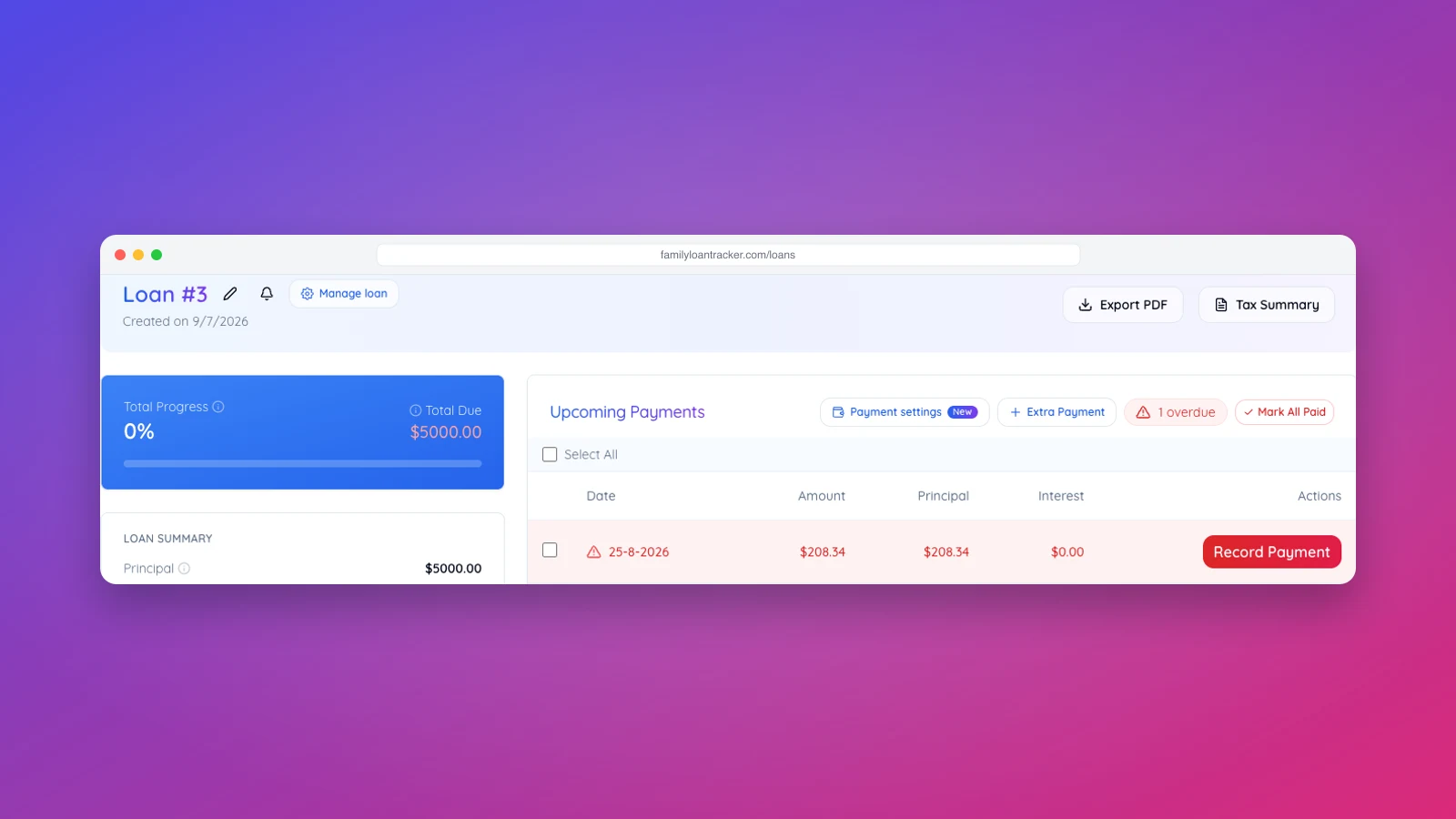
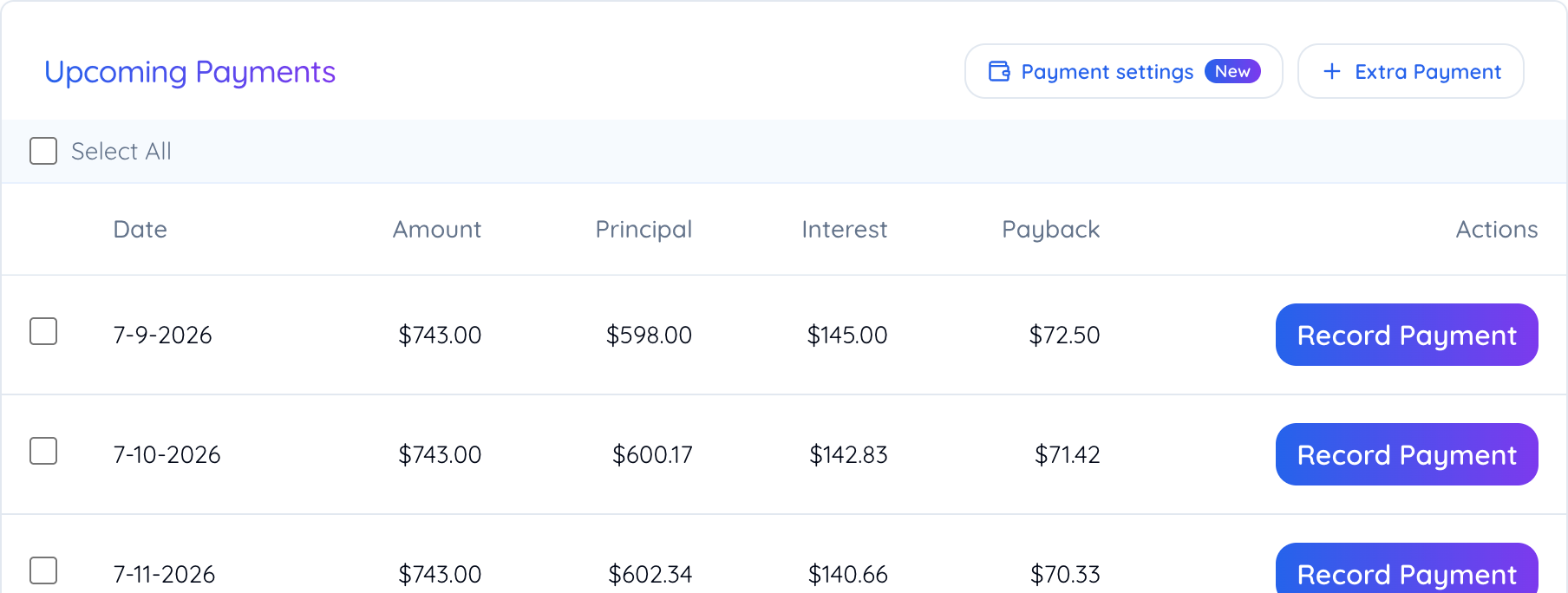
Once a configuration exists, Upcoming Payments gains a Payback column showing the amount before you have recorded anything.
Payment History gains the same figure plus a Mark Payback button once the loan payment itself is recorded, and a one-tap button to send it if you have set up a payback Pay now link. Marking a payback complete emails both sides a confirmation.
What changing a configuration does not do
Amounts are locked in on each payment the moment you record it. Changing or deleting a configuration afterward only affects payments you have not recorded yet. Settle on your configuration before you start recording payments, so the numbers do not need correcting later.
For the tax reasoning behind charging a real rate in the first place, our family loan tax guide covers what the IRS expects and why an interest-free loan is not automatically the friendlier option.